

Last updated: July 2026 | Reviewed by [Ultra Panda Team]
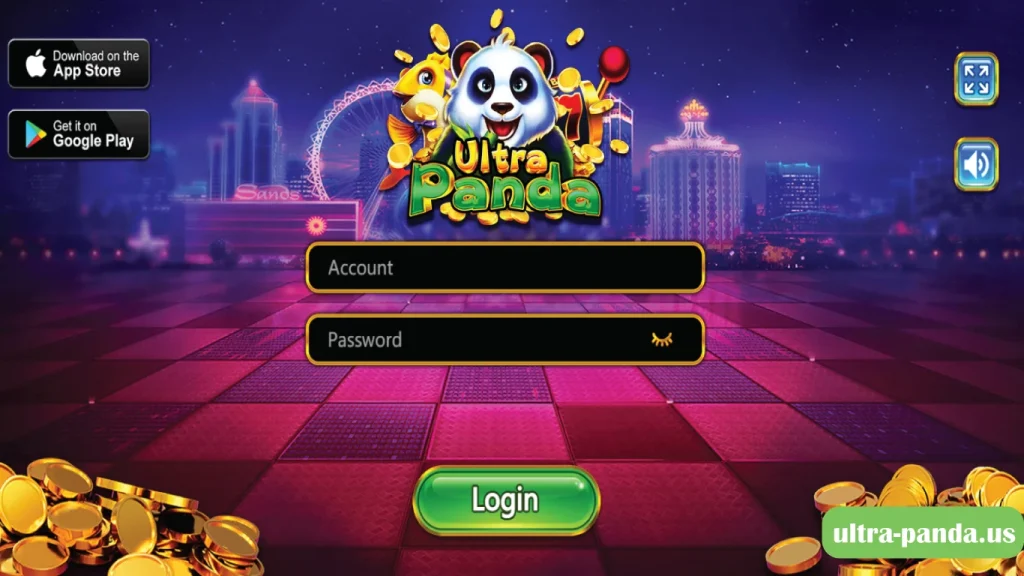
Quick answer: To log in to Ultra Panda on Android, open the app, tap Log In, enter the username and password issued at registration, complete any verification prompt, and wait for the dashboard to load. Most failed logins are caused by a mistyped password, an outdated app version, or an unstable connection.
| Requirement | Why it matters |
|---|---|
| Active Ultra Panda account | Accounts are typically issued by a distributor, not self registered |
| Current username and password | Case sensitive, no leading or trailing spaces |
| Latest app version | Outdated builds fail authentication after server updates |
| Stable Wi-Fi or mobile data | Login requires a live server handshake |
| Android 6.0 or newer, roughly 100 MB free | Older builds may crash on launch |
| Automatic date and time enabled | Incorrect device clocks break token validation |
Time required: under one minute on a stable connection.
| Error you see | Likely cause | Fix |
|---|---|---|
| Invalid credentials | Typo, wrong case, autofill inserting an old password | Retype manually, check Caps Lock and keyboard language, clear autofill |
| Account locked | Several failed attempts in a row | Stop attempting, wait 15 to 30 minutes, then try once with a confirmed password |
| Verification code not received | Wrong contact on file, carrier delay, spam filtering | Check spam folder, wait two minutes, request one resend only |
| App closes on launch | Corrupted cache or outdated build | Clear cache in Android Settings, then reinstall the current version |
| Network error | Unstable connection or active VPN | Switch between Wi-Fi and mobile data, disable VPN, retry |
| Server unavailable | Maintenance or outage | Wait and retry later. Repeated attempts during maintenance can trigger a lock |
| Login loop after entering password | Incorrect device date and time | Enable automatic date, time and time zone in Android settings |
Ultra Panda does not offer a standard self service email reset in most builds. The reliable path is:
Never send your password to anyone, including support. A legitimate reset never requires you to reveal your existing password.
Usually yes, but not simultaneously. Most builds terminate the older session when the same account signs in elsewhere, which can look like a random logout. If you are being signed out unexpectedly and are not logging in from a second device, treat it as a possible compromise and request a password change.
Contact your account issuer if you have confirmed correct credentials, updated the app, tested a second network, and still cannot sign in after roughly 30 minutes. Provide your username and a description of the exact error text. Do not provide your password.
The most common causes are a mistyped or expired password, a temporary lock from repeated failed attempts, an outdated app version, or an unstable internet connection. Confirm your credentials first, then update the app, then test a different network.
If your app version shows a Forgot Password option, use it and verify through the contact on file. If it does not, the reset must be done by the agent or distributor who issued your account.
It means the username and password combination does not match the server record. This is usually caused by capitalization, a trailing space, or autofill inserting an outdated saved password.
Temporary locks typically clear on their own within roughly 15 to 30 minutes. Continuing to attempt logins during that window can extend it.
Yes. Authentication happens on a remote server, so no login is possible offline.
Usually a corrupted cache or an outdated build. Clear the app cache in Android settings, then reinstall the current version from the source your issuer provided.
No. It is distributed as a direct APK, which is why verifying your download source matters.
Generally no. Accounts are issued through distributors rather than through a public registration form on the app.
About this guide: Written by [Ultra Panda Team], [Content Writting Expert with 11 years of Experience in Casino Games Guidence]. Steps were verified on [IOS Android and PC, Android version 1.0.1] on [June 2026].
Disclaimer: This is an independent informational guide. We are not affiliated with, endorsed by, or an official distributor of Ultra Panda. We do not host downloads, issue accounts, or process funds. Access may be restricted or prohibited depending on your jurisdiction, and any gaming activity is restricted to adults 18 and over.
Writes about sweepstakes gaming platforms and agent-distributed apps I have been testing sweepstakes-style gaming platforms since 2019, including Ultra Panda, Fire Kirin, Panda Master, and Orion Stars. Everything on this page was checked on my own devices: a [OnePlus 12R] running Android [1.0.1], an iPhone 13, and Chrome on Windows. I am not an Ultra Panda agent, I do not sell accounts, and I do not take a cut of anyone's deposits..
